
Connected Users
The Connected Users section shows who is connected to a database server right now — PostgreSQL backends, MySQL/MariaDB threads, Oracle and SQL Server sessions, Firebird attachments — what each of them is doing, and lets you terminate one. It replaces the older per-engine Backends/Process List/Sessions entries of the database tree's context menu.
Supported: PostgreSQL, MySQL, MariaDB, Oracle, SQL Server and Firebird. SQLite has no such concept, and shows Viewing connected users is not supported for … connections.
Opening the section
Click the Connected Users icon in the left rail. Like Monitoring, Notify and Permissions, it works on a connection already open in the Database section: the strip of open connection tabs is shown at the top, and the list belongs to the selected tab. With no connection open it shows No connection open.
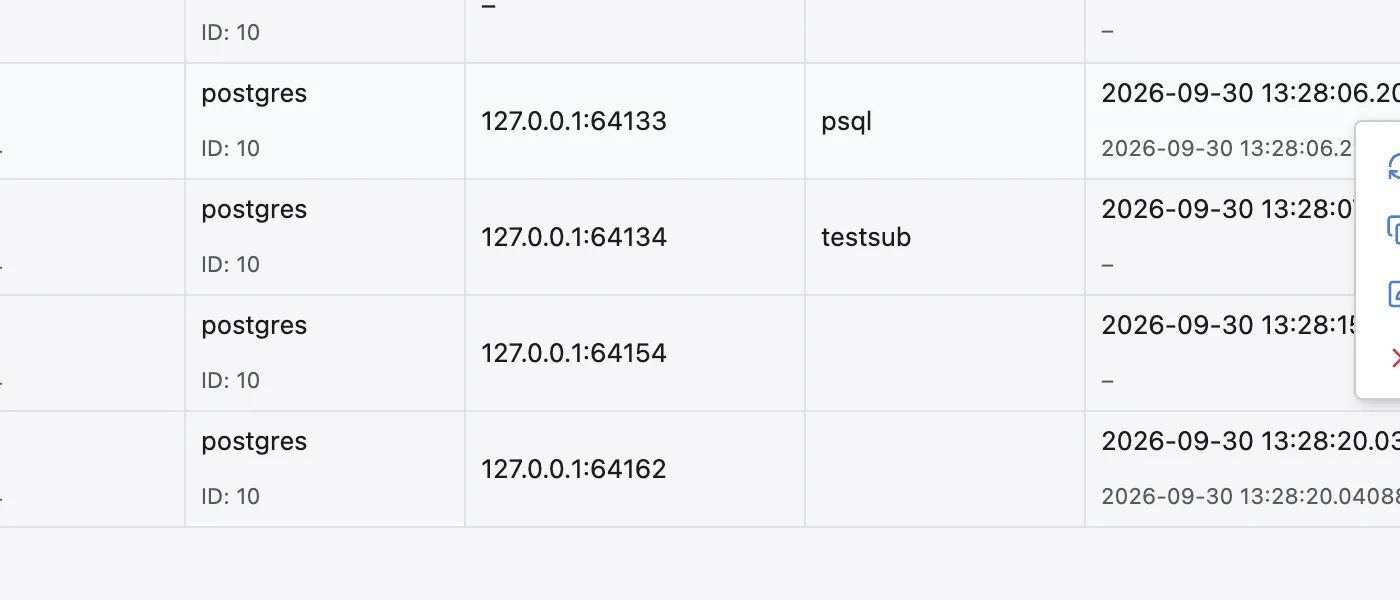
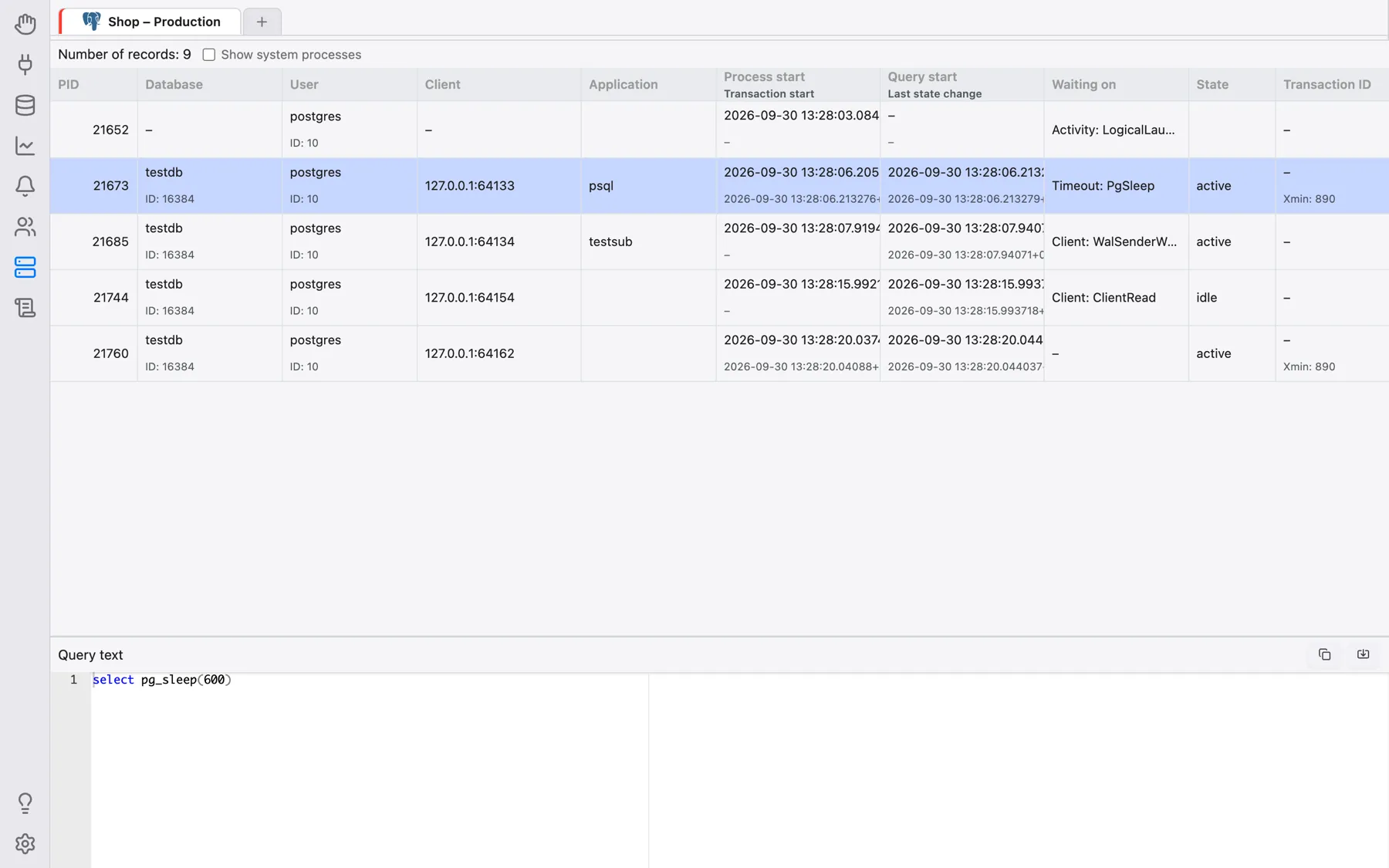
The list is loaded when you enter the section and whenever you switch to another connection tab; it does not refresh on its own. To reload it, right-click the grid and choose Refresh. The number of rows is shown above the grid (Number of records: …).
Columns
Columns are grouped compactly (for example an ID under a name, or address and port on one line); hovering a column header explains what it shows and which catalog column it comes from.
- PostgreSQL (
pg_stat_activity): PID, Database, User, Client, Application, Process start / Transaction start, Query start / Last state change, Waiting on, State, Transaction ID, Query ID, Process type. - MySQL/MariaDB (process list): User (with the connection ID), Host, Database, Command, Time (s), State.
- Oracle (
v$session): SID (with Serial#), User, State, Schema, Client, Program, Module / action, Client info, Logon time, Idle (s), SQL ID, Waiting on, Blocking SID. - SQL Server (user sessions): Session ID, Login name, Host, Program, State.
- Firebird (
mon$attachments, without OmniDB's own attachment): Attachment ID, User, Remote address, State.
For PostgreSQL and Oracle, background/system processes are hidden by default; tick Show system processes above the grid to include them (the checkbox only appears when there are such rows).
Viewing a session's query
For PostgreSQL, MySQL and MariaDB, clicking a row opens a Query text pane below the grid with the statement that session is running (or ran last), syntax-highlighted and read-only. From there you can copy it, or use Open in a new Query tab to continue working with it in a regular Query tab, for example to run Explain on it.
Terminating a session
Right-click a row and choose Terminate. After you confirm, OmniDB ends that session
the engine's own way — pg_terminate_backend() on PostgreSQL, KILL on
MySQL/MariaDB and SQL Server, ALTER SYSTEM KILL SESSION … IMMEDIATE on Oracle,
deleting the row from mon$attachments on Firebird — and reloads the list. This
needs the matching privilege on the database server. The same context menu also offers
Copy and View Content for the clicked cell.