
Advanced Object Search
Note: this feature is not available in the current release. Its tree menu entry is commented out, and the frontend functions and Go backend handler it depended on no longer exist — it was not carried over during the Go rewrite, and reviving it would mean building it again rather than flipping a switch. The rest of this chapter is kept as a description of how it used to work, for historical reference.
Advanced Object Search let users apply pattern matching to search database
objects and table data — the default SQL LIKE operator, or complex regular
expressions.
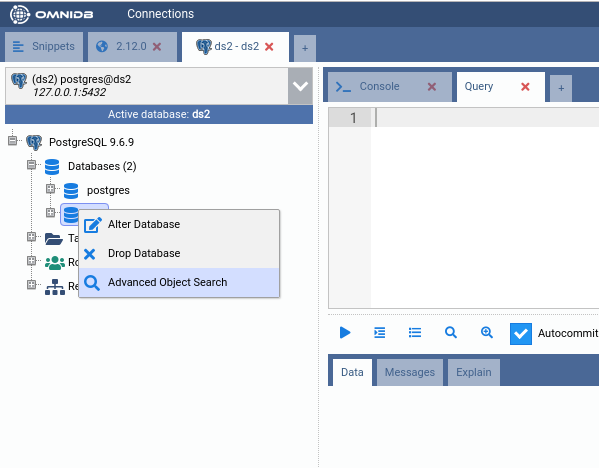
You can access the Advanced Object Search feature by right clicking in a specific database node in the tree:
The interface allows you to filter categories of objects, schemas where searchs will be executed and also to limit the search space when the Data category is selected, so you search for a pattern in a subset of tables:
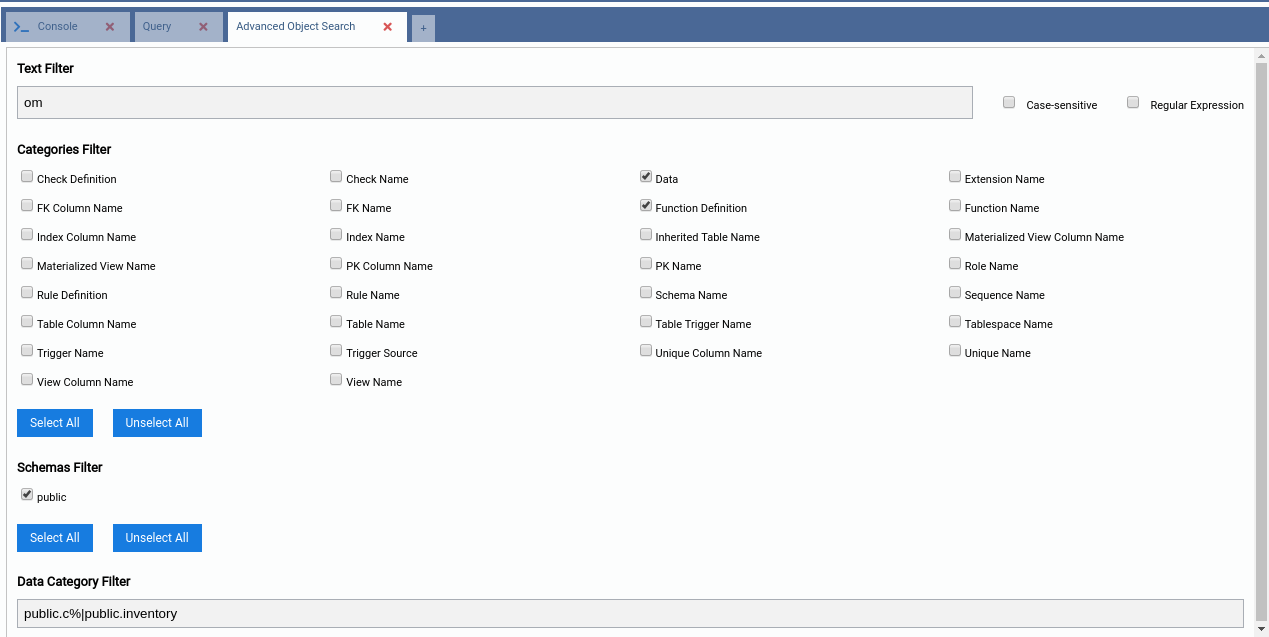
After filling the fields and running OmniDB will perform the search using several threads that will speed up the process by running in parallel (It is customizable. For more info, see Deploying omnidb-server).
When the search is finished OmniDB will display the result in a tree:

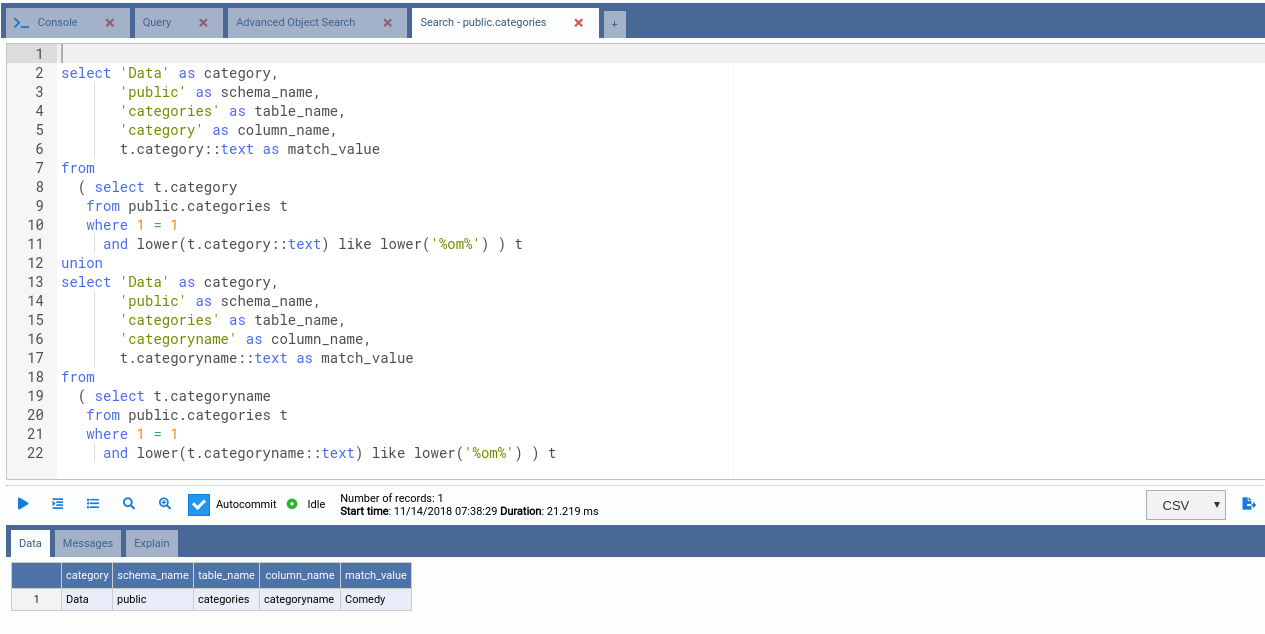
For more details about the search in each category, right click the desired node and select 'See More'. OmniDB will open a query tab with the SQL command used to perform that specific search. Just run the command to get the results: